

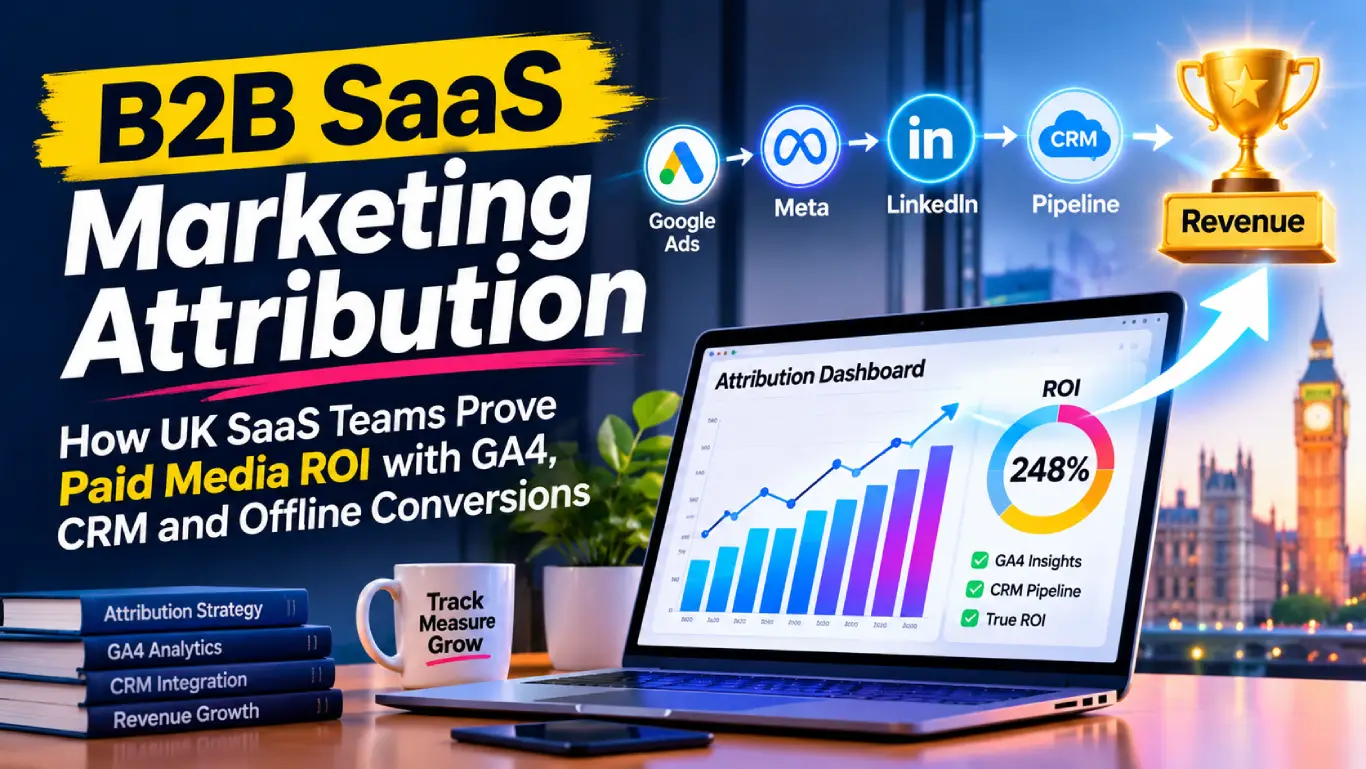
Short answer : B2B SaaS marketing attribution works when you stop measuring form fills and start sending CRM pipeline back to the ad platforms.
Capture click IDs and UTMs on every form, store them in HubSpot or Salesforce, then upload qualified stages (SQL, opportunity, closed-won) to Google, Meta and LinkedIn. GA4 explains the website journey. Your CRM proves the revenue.
Key takeaways
- GA4 now offers only data-driven and last-click models, and it can't see a deal that closes in your CRM six weeks later.
- Optimize ads towards SQLs or opportunities, not MQLs. The platforms learn whatever you feed them.
- Google offline imports now run through Data Manager. A GCLID is only usable for 90 days, so upload early pipeline stages, not just closed-won.
- Meta needs at least two CRM stages (three is better), and LinkedIn's Conversions API takes CRM events too.
- Add a "How did you hear about us?" field. Self-reported data catches the podcast, the Slack community and the referral that no pixel sees.
Picture a familiar quarter-end. Google Ads reports 140 conversions. Meta claims 90. LinkedIn claims 60. Finance counts 41 new customers. Everyone is technically right and nobody can answer the only question the board asks: which pound of spend created which pound of pipeline?
You're not alone in this. In LinkedIn's own 2025 research with B2B marketers in the UK, US, France and India, 87% said measuring long-term campaign impact is getting harder, and nearly half have to justify spend to the C-suite every month (LinkedIn News). This guide is the setup we use to fix it.
Why can't GA4 alone prove SaaS paid media ROI?
GA4 is a website analytics tool. SaaS revenue happens in a CRM, weeks or months after the last session. That gap is where attribution breaks.
Three things make it worse in 2026:
- Fewer models. Google removed first-click, linear, time-decay and position-based attribution from both Google Ads and GA4 in 2023. Data-driven and last click are what's left (Google Ads Help).
- Two tools, two answers. GA4 uses last click when it turns key events into Google Ads conversions, even if you picked a different model in Ads (Google Analytics Help). That is why the numbers never match.
- Consent gaps. If you advertise to UK or EEA visitors, Google expects Consent Mode v2 signals. Without them you lose measurement and audience features (HubSpot developer changelog).
Our view: GA4 should answer "what did people do on the site?" Your CRM should answer "did it make money?" Trying to make GA4 do the second job is where most attribution projects stall.
What is closed-loop attribution?
Closed-loop attribution means every lead in your CRM carries the ad click that created it, and every meaningful change in that lead's status is sent back to the platform that paid for the click. The loop closes when Google, Meta and LinkedIn can see which clicks became revenue and bid accordingly.
How the loop works:
- Ad click: someone clicks a Google, Meta or LinkedIn ad and the click ID comes with them.
- Form or demo booking: hidden fields save the click IDs, UTMs and email.
- CRM: HubSpot or Salesforce moves the lead through Lead, MQL, SQL, Opportunity and Closed-won.
- Upload: each stage change goes back through Google Data Manager, Meta Conversions API for CRM and LinkedIn Conversions API.
- Result: the platforms bid on pipeline, not form fills. GA4 covers website behaviour, and your CRM report shows pipeline and CAC by channel.
The attribution stack: six layers and where each one breaks
| Layer | Typical tools | Its job | Most common failure we see |
|---|---|---|---|
| Capture | Google tag, GTM, form tool | Store click IDs and UTMs on every lead | Demo forms in a third-party scheduler drop the GCLID |
| Consent | Certified CMP + Consent Mode v2 | Pass consent signals for UK/EEA users | Banner live, but tags fire before consent is read |
| CRM | HubSpot, Salesforce, Pipedrive | One lifecycle definition everyone uses | Sales and marketing define "SQL" differently |
| Upload | Google Data Manager, Meta CAPI, LinkedIn CAPI | Send stage changes back to platforms | Only closed-won is sent, too late and too rare to learn from |
| Analytics | GA4, BigQuery export | Site behaviour and landing page quality | Used as the revenue source of truth |
| Reporting | Looker Studio, Power BI, CRM dashboards | Pipeline and CAC by channel | Reports platform-claimed conversions, so channels double count |
How do you set up closed-loop attribution? (7 steps)
1. Agree the lifecycle stages first
Before anyone touches a tag, sales and marketing sign off one definition for each stage: Lead, MQL, SQL, Opportunity, Closed-won. Write the entry rule for each. If an SDR can move a lead to SQL "because it felt good", your bidding will learn that feeling.
2. Capture identifiers on every form
Add hidden fields for gclid, gbraid/wbraid, fbclid (or the _fbc cookie), li_fat_id, the five UTM parameters, and first-touch and last-touch source. Map each to a CRM property. Test the demo booking flow separately; embedded schedulers are the usual leak.
3. Fix consent before you fix attribution
Use a certified consent platform with Consent Mode v2 for UK and EEA traffic. Modelled conversions only help if the consent signals are correct in the first place.
4. Google: enhanced conversions for leads through Data Manager
Google now treats enhanced conversions for leads as the upgraded version of offline conversion import, using hashed first-party data such as email alongside the GCLID. Google reports a median 10% increase in conversions for advertisers who added first-party data to their GCLID imports (Google Ads Help).
Two 2026 details catch people out:
- Since 15 June 2026, the Google Ads API stopped accepting new adopters of offline conversion imports. The Data Manager API is now the main route (Google Ads Developer Blog).
- A GCLID-based conversion can be uploaded up to 90 days after the click; conversions matched on personal data, up to 63 days (Google Ads Help). If your sales cycle is 120 days, closed-won alone will never reach Google. Send SQL and opportunity too.
5. Meta: Conversions API for CRM
Send each lead stage as it changes, using the same lead_id. Meta asks for at least two funnel stages and recommends three or more (Meta for Developers). Its Conversion Leads goal currently works with Instant Forms only, and Meta's data checks look for around 200 leads a month and at least 60% lead coverage (Meta for Developers). Smaller accounts can still send CRM events for reporting; just don't expect the optimisation goal to work yet.
6. LinkedIn: Conversions API for offline events
LinkedIn's Conversions API accepts CRM conversions, so an SQL created three weeks after a Sponsored Content click can still be credited. Send as many matching identifiers as you have; LinkedIn notes that more IDs per event raises match rates (LinkedIn Marketing API docs). For many UK SaaS companies this is the single biggest fix, because LinkedIn's native form numbers flatter the channel.
7. Report pipeline from the CRM, not from the platforms
Build one board-level view: spend, SQLs, opportunities, pipeline value, closed-won and CAC payback by channel, pulled from CRM records. Platform dashboards are for optimisation. The CRM report is for budget decisions.
Which conversion should your ads optimise for?
| Stage | Volume | Signal quality | Use it when |
|---|---|---|---|
| Form fill / Lead | High | Low: includes students, competitors, spam | Brand-new account with no CRM history |
| MQL | Medium-high | Medium: depends on scoring rules | Scoring is strict and audited |
| SQL / demo held | Medium | High: a human qualified it | Our default for most Series A-C SaaS |
| Opportunity | Low-medium | Very high | Enough volume per campaign to learn (roughly 30+ a month) |
| Closed-won | Low | Highest | Short sales cycles, or as a value signal on top of SQL |
A useful rule from Meta's own guidance: the stage you optimise for should be reached by somewhere between 1% and 40% of leads (Meta for Developers). Too common and it means nothing. Too rare and the algorithm can't learn.
Our opinion: optimising Google Ads to MQLs is the most expensive habit in UK SaaS paid search. It trains bidding to find people who download PDFs. Move the primary conversion to SQL, keep MQL as secondary for reporting, and add pipeline value where you can.
Not sure which stage your account can support? Our Digital Growth Audit checks your tracking, CRM stages and conversion volumes and tells you which one to bid on.
What attribution can't tell you (and how to fill the gap)
Every click-based model, data-driven included, credits the touchpoints it can see. In B2B SaaS a lot of buying happens where no pixel goes: peer recommendations, communities, podcasts, analyst reports, an AI assistant's shortlist. Three cheap ways to cover that blind spot:
- Self-reported attribution. A required free-text "How did you hear about us?" field on demo forms. Review it monthly next to your channel report.
- Holdout tests. Pause a channel in one region or for one segment for four to six weeks and watch pipeline, not platform conversions.
- Platform lift studies. Where your spend qualifies, use the platforms' conversion lift tools to test whether a channel creates demand or just collects it.
Common mistakes that quietly break attribution
- Uploading only closed-won. Too few events, and many arrive after the 90-day GCLID window.
- Time zone errors. Google rejects a conversion timed before the click. Mismatched time zones are the usual cause (Google Ads Help).
- Duplicate uploads. A lead that moves back and forth between stages gets sent three times. Deduplicate on lead ID plus stage.
- Filtering out "organic" leads for Google. With enhanced conversions for leads, Google asks you to upload all conversions, including those from other channels, and it does the matching (Google Ads Help).
- Counting the demo booking twice. Calendly fires one event, the form fires another, GA4 imports both into Ads.
- Nobody owns it. Attribution breaks every time someone edits a form. Give one person the monthly check.
What this looks like in practice
The mechanics above are the same whether the buyer is a SaaS platform or a B2B training provider: capture the click, qualify in the CRM, send the stage back, report from the CRM. Two engagements from our work:
- Oxford Professional Training, UK (B2B): +240% corporate leads. Read the case study
- Il Mercato, Bahrain (paid media): 4.6x verified ROAS within 60 days. Read the case study
[ADD: 2-3 lines on the tracking setup in one of these projects: which CRM, which stages were sent back, what changed in cost per qualified lead.]
When is a full attribution build not worth it?
If you spend under about £5,000 a month on ads, or create fewer than 20-30 SQLs a month, the platforms won't have enough data to learn from CRM stages yet. Start smaller: clean UTMs, hidden click-ID fields, a self-reported source field and a monthly CRM report by channel. Build the full loop once volume justifies it.
A 30-day rollout plan
| Week | What gets done | Owner |
|---|---|---|
| 1 | Agree stage definitions; audit every form and scheduler for click-ID capture; check Consent Mode v2 | Marketing ops + sales lead |
| 2 | Hidden fields and CRM properties live; Google Data Manager connected; Meta and LinkedIn CAPI built | Marketing ops / agency |
| 3 | Upload SQL and opportunity as secondary conversions; validate match rates and fix errors | Paid media |
| 4 | Switch primary bidding conversion to SQL; launch CRM-based pipeline report; schedule first holdout test | Paid media + leadership |
Google suggests running a new imported conversion alongside the old one for the longer of three conversion cycles or four weeks before making it primary (Google Ads Help). Don't rush week 4.
Frequently asked questions
What is the best attribution model for B2B SaaS?
No single model is enough. Use data-driven attribution inside Google Ads and GA4 for in-platform decisions, CRM-based pipeline reporting for budget decisions, and self-reported attribution plus holdout tests to check what clicks can't see.
Can GA4 track SaaS pipeline and revenue?
Only partly. GA4 can receive offline events through Measurement Protocol, but it isn't built to follow an opportunity through a multi-week sales cycle. Keep pipeline and revenue in the CRM and use GA4 for website behaviour.
How long does a closed-loop attribution setup take?
For a typical HubSpot or Salesforce setup with Google, Meta and LinkedIn, about four weeks to build and validate, then another four or more weeks before bidding fully adjusts to the new conversion.
What if our sales cycle is longer than 90 days?
Upload earlier stages that happen inside the window, such as SQL or opportunity created, and attach an expected value. Closed-won can still be used in your CRM reporting even when it's too late for Google to match.
Do we need a dedicated attribution platform?
Not at first. Most UK SaaS companies under roughly £30m ARR get most of the value from clean capture, a disciplined CRM and native uploads. Multi-touch attribution software earns its cost once you run many channels with long, multi-person buying journeys.
Is it compliant to send CRM data to Google, Meta and LinkedIn?
It can be, with a lawful basis, proper consent for UK and EEA users, hashed identifiers, and the change disclosed in your privacy notice. Check your setup with your data protection lead; this article is not legal advice.
Want to know what your paid media really returns?
We'll review your tracking, CRM stages and ad accounts and show you pipeline and CAC by channel, plus the exact fixes in priority order.
Related reading: How to measure marketing ROI with GA4 and your CRM · B2B paid acquisition with closed-loop CAPI · Marketing for SaaS and cloud companies · Analytics and CRO services
About the author: Sudhanshu Gupta, WSA Digital Agency. [ADD: role, years of experience, one credential]
Sources: Google Ads Help (attribution models, offline conversion imports, enhanced conversions for leads), Google Ads Developer Blog (May 2026), Google Analytics Help, Meta for Developers (Conversions API for CRM), LinkedIn Marketing API docs, LinkedIn News (2025 B2B ROI research), HubSpot developer changelog. Links are inline above.







Comments (0)
No comments yet. Share your technical feedback or questions below.
Leave a Technical Comment